Welcome to DS Hub
Featured Videos
Replace Your Outdated Tools
Learn how the design firm, ROW01, replaced outdated tools like Excel with DesignSpec to save time and increase efficiency.
Manage Complex Projects
There are millions of nuances that go into a project. Learn how DesignSpec helped ROW01 manage these complexities.
Save Hours Per Project
Learn how DesignSpec saves you hours per project by handling admin work and specification writing, featuring ROW01.
Client Approvals Shouldn't Be Difficult
Getting client approvals shouldn't be difficult. Learn how DesignSpec makes it easy, featuring ROW01.
Stay Organized
Learn how Handwerk Art and Design used DesignSpec to stay organized.
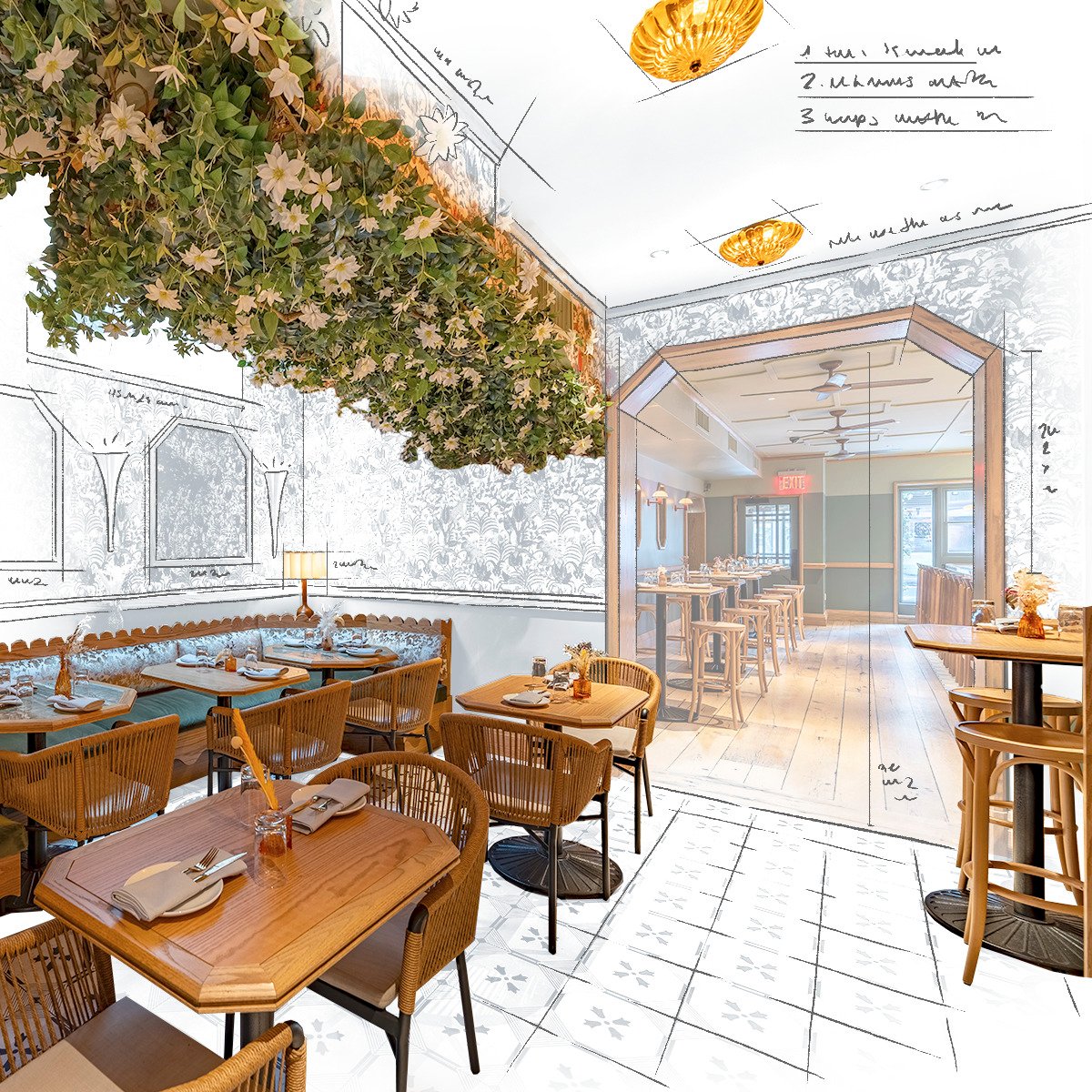
Featured Case Study: Wildflower NYC
Building Conversions & Sustainability: How Adaptive Reuse Is Reshaping Design + Build
Read more
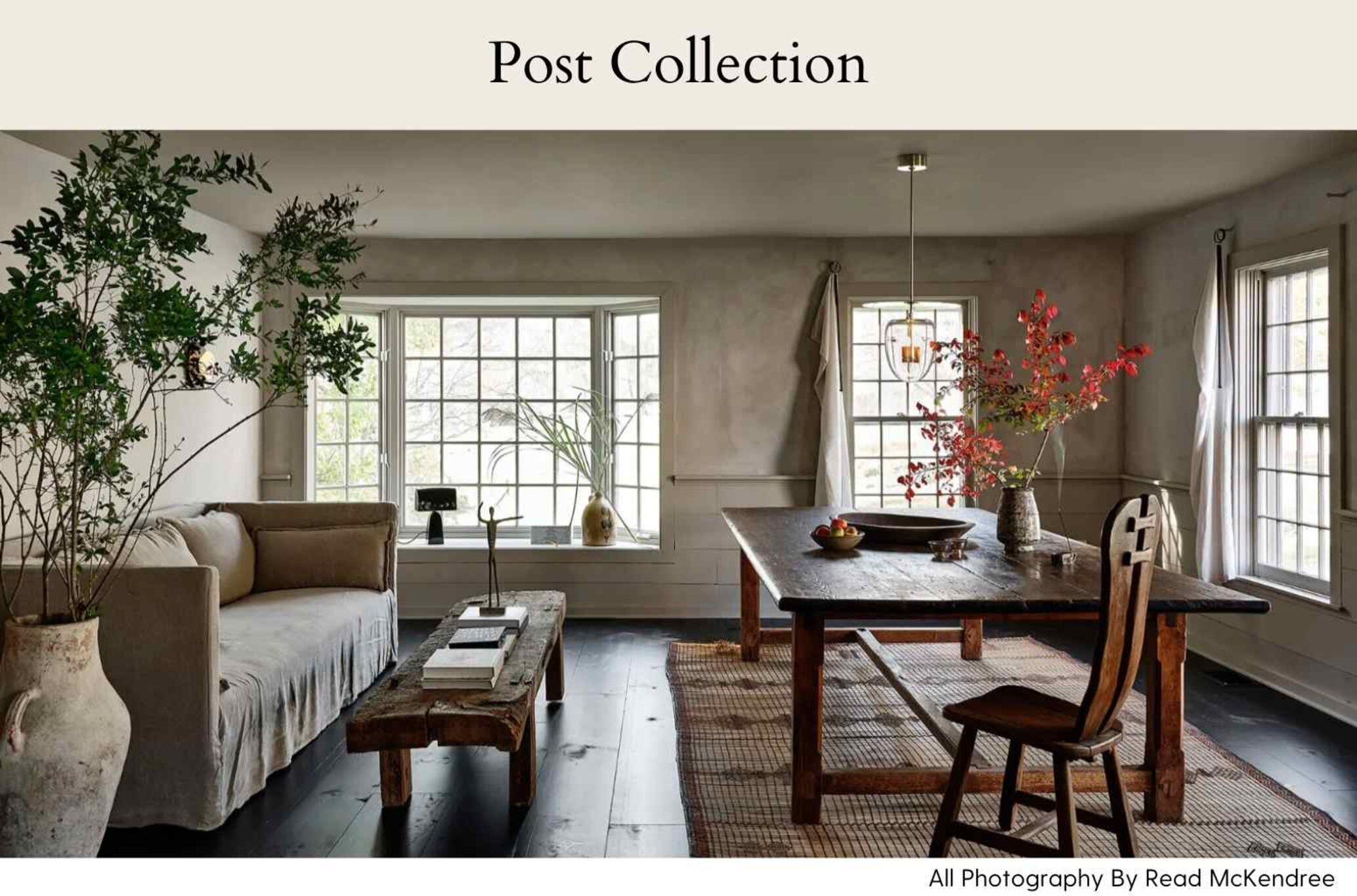
Designing A Narrative: Insight Into Post Company's Original Interior Collection
Read more
Getting Started with DesignSpec
Getting Started
Getting started with DesignSpec basics. In just 2 minutes, we'll walk you through the essential steps to set up your DesignSpec account.
Pro Plan
Get started with our Pro Tier features. This 50 minute tutorial will cover everything you need to know.
Account Management & Setup
Learn how to setup your account defaults on the global setup tabs, and changes to your account setup once projects have been created. Set up defaults for Custom Attributes to standardize spec descriptors on the project level. Learn how access the admin area to add and remove users licenses and access your invoices.
Spec Library
Learn how to quickly pull items from your Spec Library into a project using DesignSpec. This video covers both ways to add library specs: creating a new spec directly from the Specs tab within a project, or adding items from the Spec Library into an existing project.
Web Clipper
Learn how to and use our Web Clipper.
Using Hubspot Free Marketing tools
This video explains how to use the Spec Index, a default table-based report in DesignSpec that functions like a spreadsheet view of your specs. Learn how to generate the full index or customize it using settings and filters to group specs by area, category, or type.
How-To Create & Manage Floors
Learn how to create, edit, and manage floors in DesignSpec. This quick tutorial shows how to add or remove floors, understand system warnings, and see how area and sub-area quantities automatically assign to specific floors for accurate tracking.
How-To Manage Client Submissions
Learn how to manage client submissions in DesignSpec, including how to send, retract, review, or delete submissions from the client portal. This tutorial walks through submission statuses, viewing details, and making updates before or after sending to a client.
DesignSpec Power Features
Budget to Invoice
Learn how to utilize the budget effectively to capture all costs in your project. Then learn how best to push that data into an invoice, and customize your templates to fit financial and brand requirements.
Revit Integration
The DesignSpec Sync for Revit integration allows you to synchronize product data between your Revit models and DesignSpec projects with just a few clicks. This tutorial walks you through the complete process, from installation to two-way synchronization. Learn how to map Revit parameters to DesignSpec attributes, sync room data to areas, and keep your design documentation perfectly aligned.
Quickbooks Integration
Learn how to seamlessly connect your DesignSpec account with QuickBooks Online to eliminate double data entry and streamline your financial management.
Vendor Bidding
Vendor Bidding is here to streamline your request for quote (RFQ) process. With a DesignSpec Complete PRO license, the vendor bidding process has now been automated for your convenience. This tutorial will show you how to easily create RFQs and what the vendor will see when replying to your request.
Residential Designers Need Spec-Tech Too
Spec Control: Version Chaos & Submittal Confidence
How DesignSpec Can Up-Level Your Interior Design Career
How to Use AI with DesignSpec & Design Manager to Work Smarter
Where Interior Design × Architecture Workflows Actually Break (and How to Fix Them)
A Guide to Specifying Furniture for Interior Designers
.png)
Learn the steps to create your own custom rug or carpet. Hayley Stern from Jamie Stern will review everything from selecting colors to creating custom drawings and more.
.png)
Join DesignSpec and Society6 and learn how to organize art for a vast sourcing project, forget links and screenshots. Plus smart tips for installation.

.png)
.png?width=300&height=307&name=LargeSpecs%20(1).png)